

Install MPC – iOS

Got to mpchelp.com/[your url]
If you can’t remember your download link, please contact us
Touch iOS
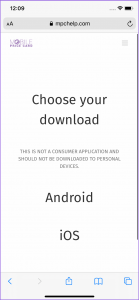
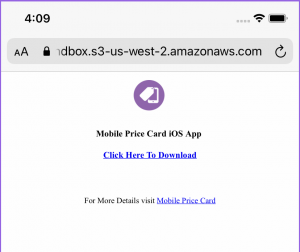
Touch “Click here to download”
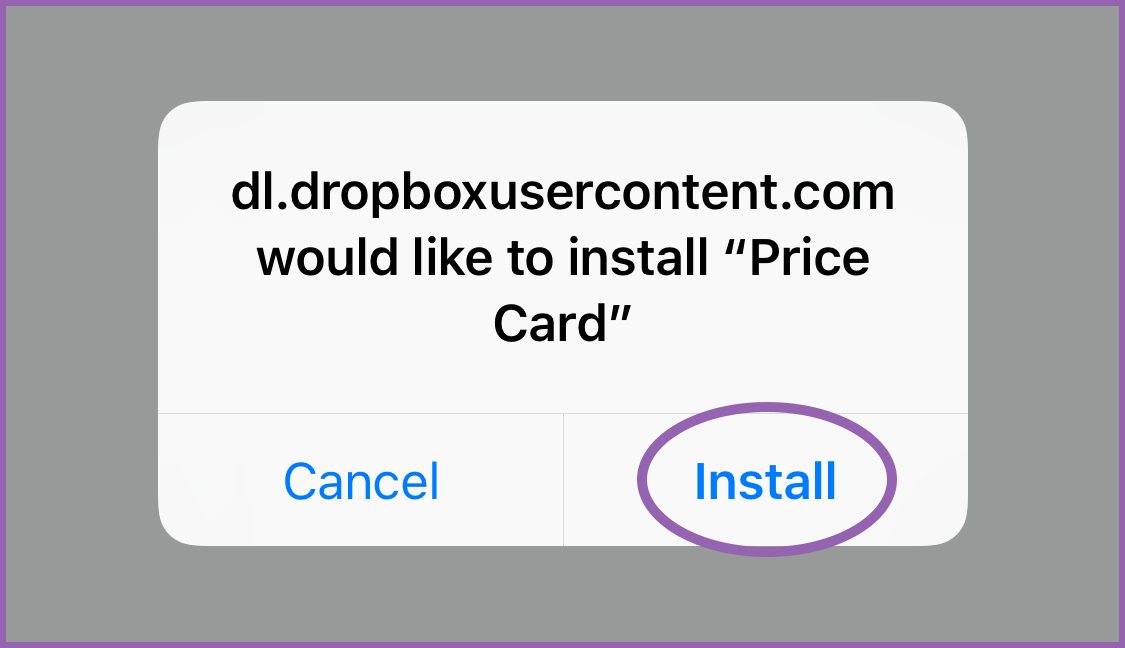
Confirm by selecting “Install”
iOS 16 only, choose “open in iTunes”, then the install prompt will appear.
Return to the home screen & wait for the app to install
Don’t open yet! Because MPC is an enterprise app, and not found on the App Store, it must be trusted before it can run.
- Open the Settings app

- Touch “General”
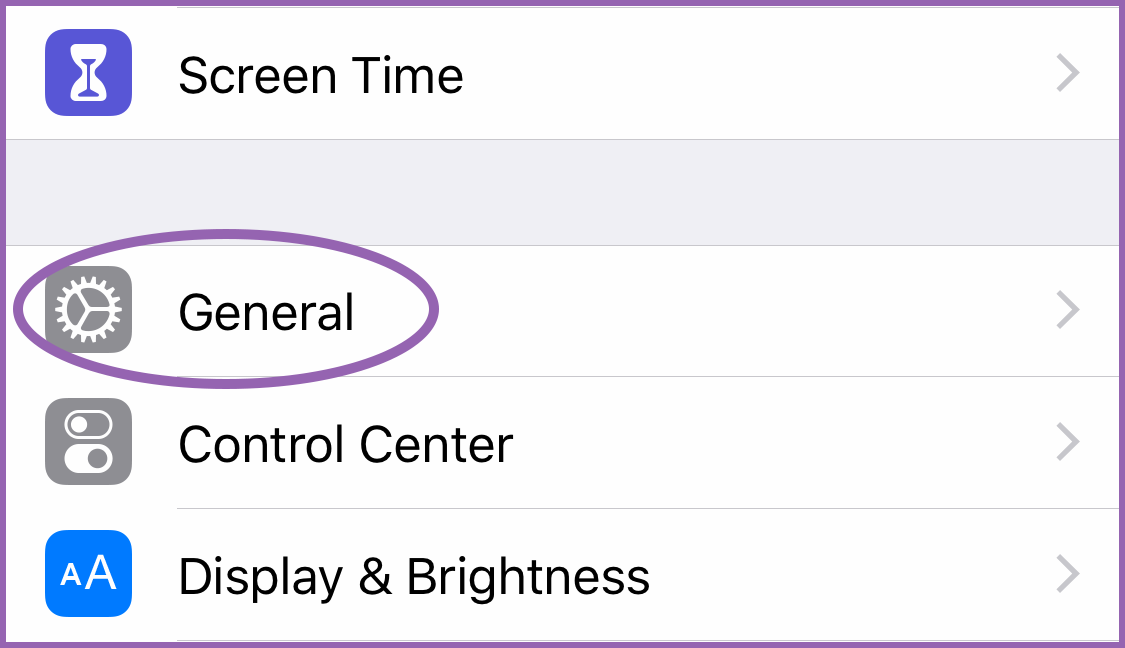
- Scroll down & select “Device Management”
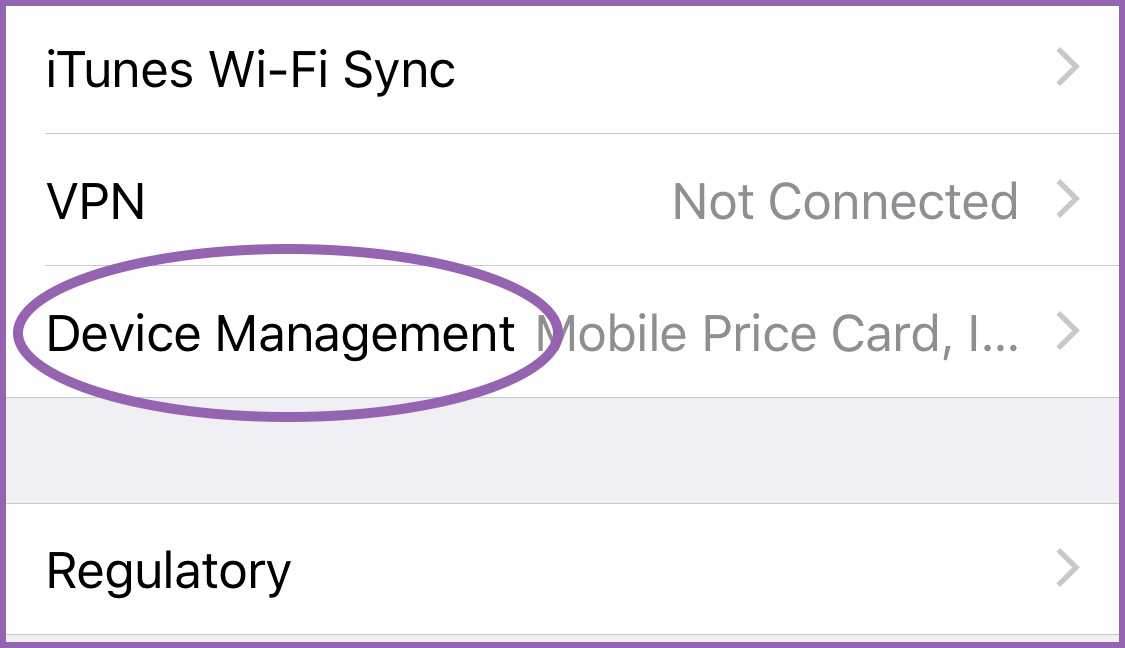
If the device still has a demo mode on it, you will not find “Device Management”. In that case, please refer to the guides here.
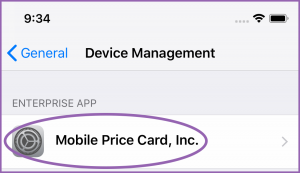
- Select “Mobile Price Card, Inc.”
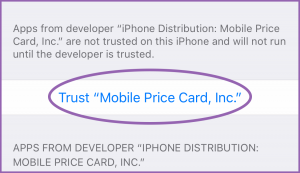
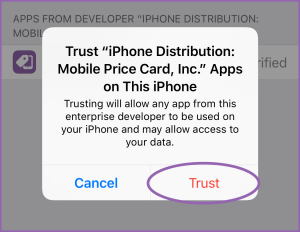
- Select “Trust…” and then again on the popup
- Return to the Home Screen
- Launch MPC
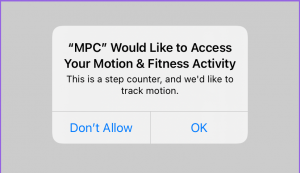
Grant all permissions, choosing “always allow” when possible
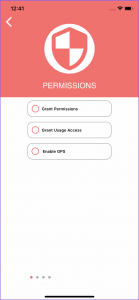
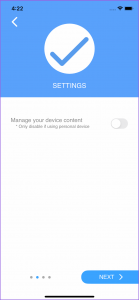
Enable this to allow MPC to manage photos and videos on device
Touch “Next”
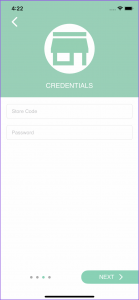
- Enter your login credentials
Touch “Next”
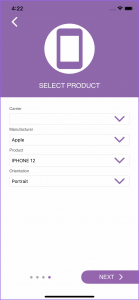
Select the device using the drop down menus
Touch “Next”
- Allow one last permission
MPC will start doing its thing: scrolling through Pricing, Ads, Specs, Ads, and so on. Interact with it to get a feel for how it works!